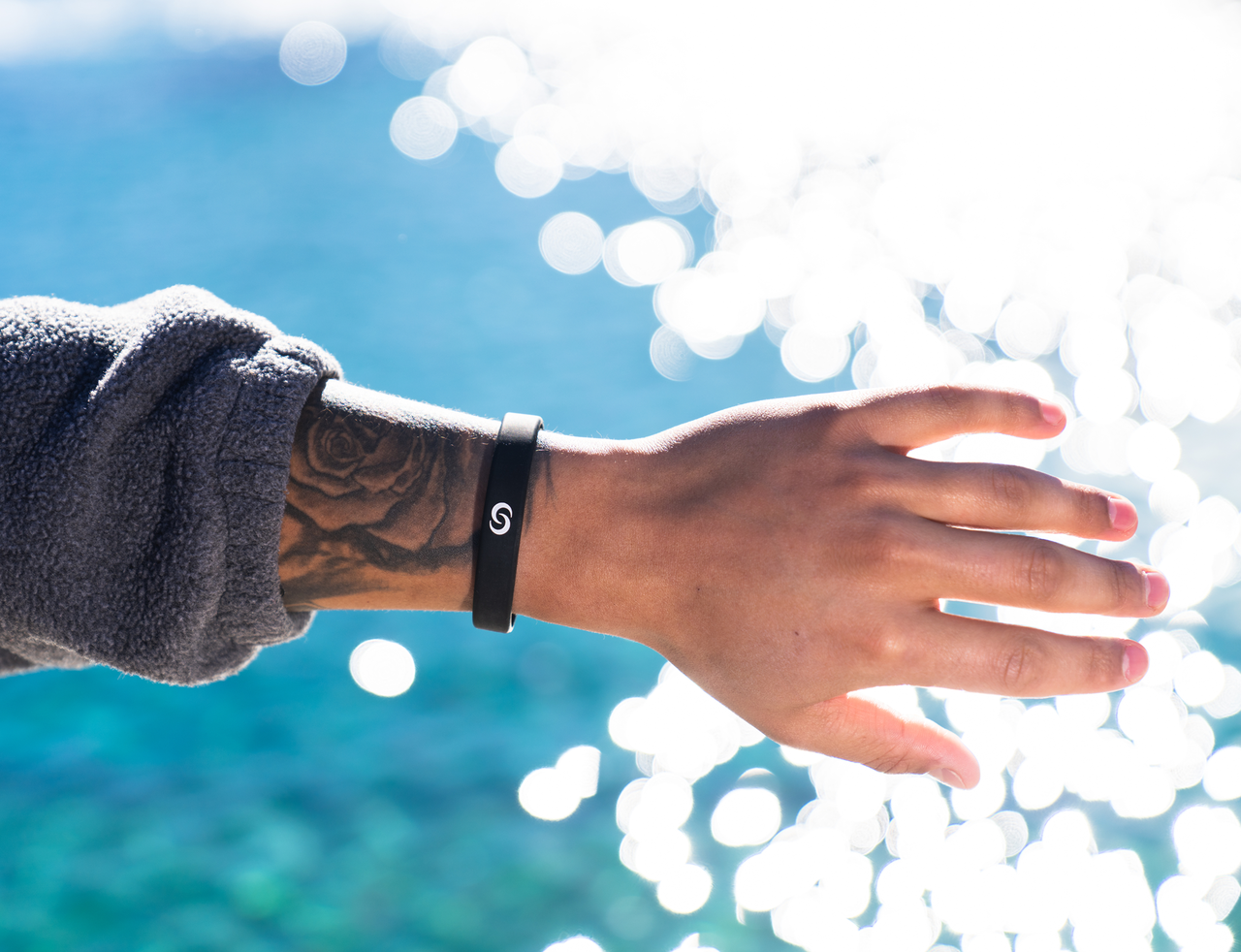
"This band not only looks and fits great, each time I've used it people were very impressed and wanted their own. And oh, service? Add exceptional customer service, hard to find this level of service these days, with any product or industry."
Chip Slaughter
Verified Buyer
"I love mine! Easy to connect with others, no more losing business cards or having to carry any around. This has definitely changed how I network with others."
Elian Rodriguez
Verified Buyer
"Great tool for quick connects at a large conference/venue without having to take out phone or business cards! Look forward to lots of additional connects because of the ease of use!"
Doug Peeler
Verified Buyer
"I work in sales and it's been an absolute game changer for how I hand out my information."
Dabrien Ramirez
Verified Buyer
"I love my white silicone bracelet! It works well and it is really cute with other bands. This technology make giving my contact info a breeze."
Angela Garlington
Verified Buyer
How it Works.
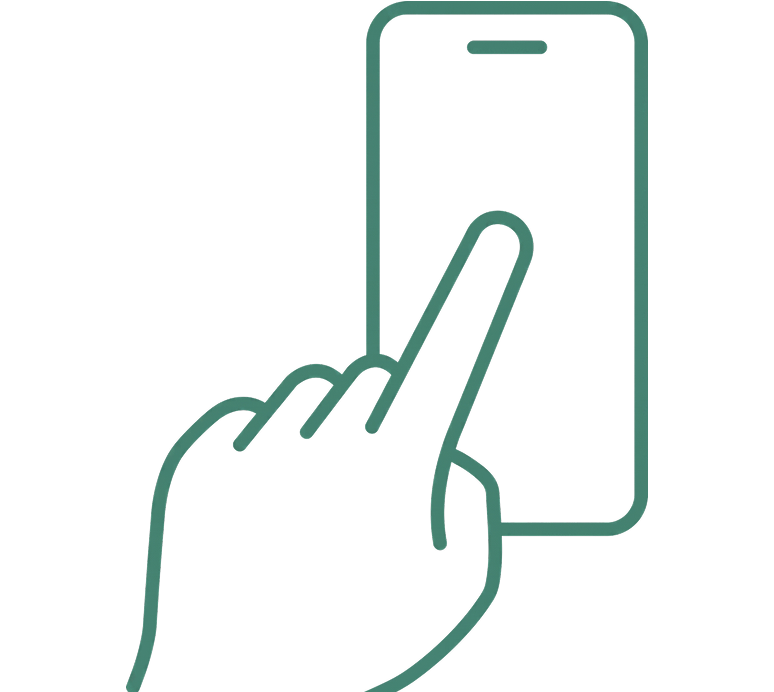
STEP ONE
Set Up Your Profile
Log into the Contact Co. App and create your account.
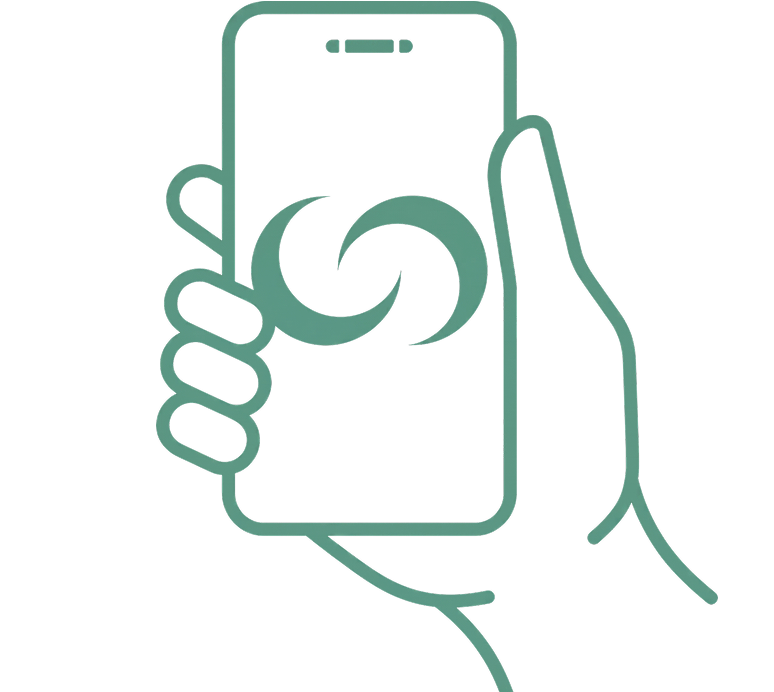
STEP TWO
Activate Your Device
Create Your Digital Card and Pair It To Your Wearable
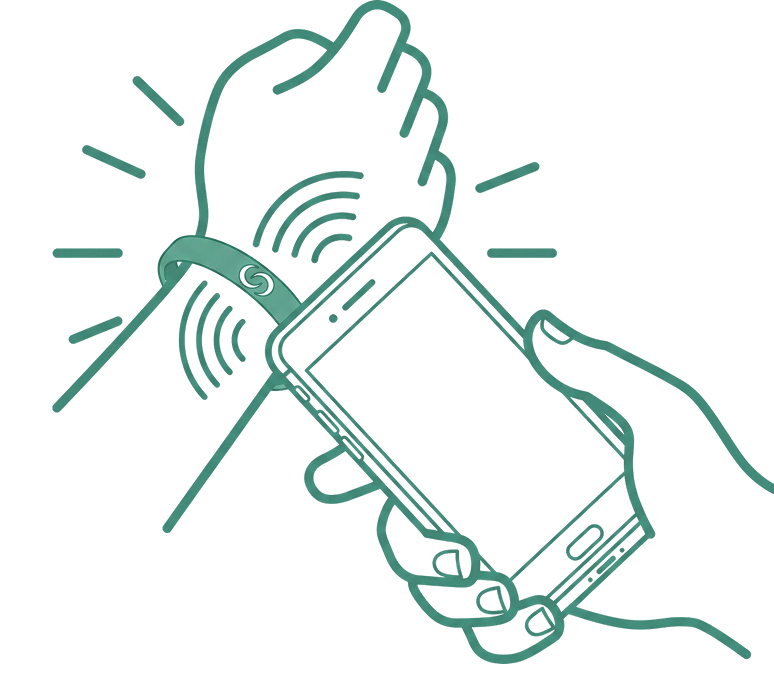
STEP THREE
Start Sharing
Begin networking with anyone you meet.
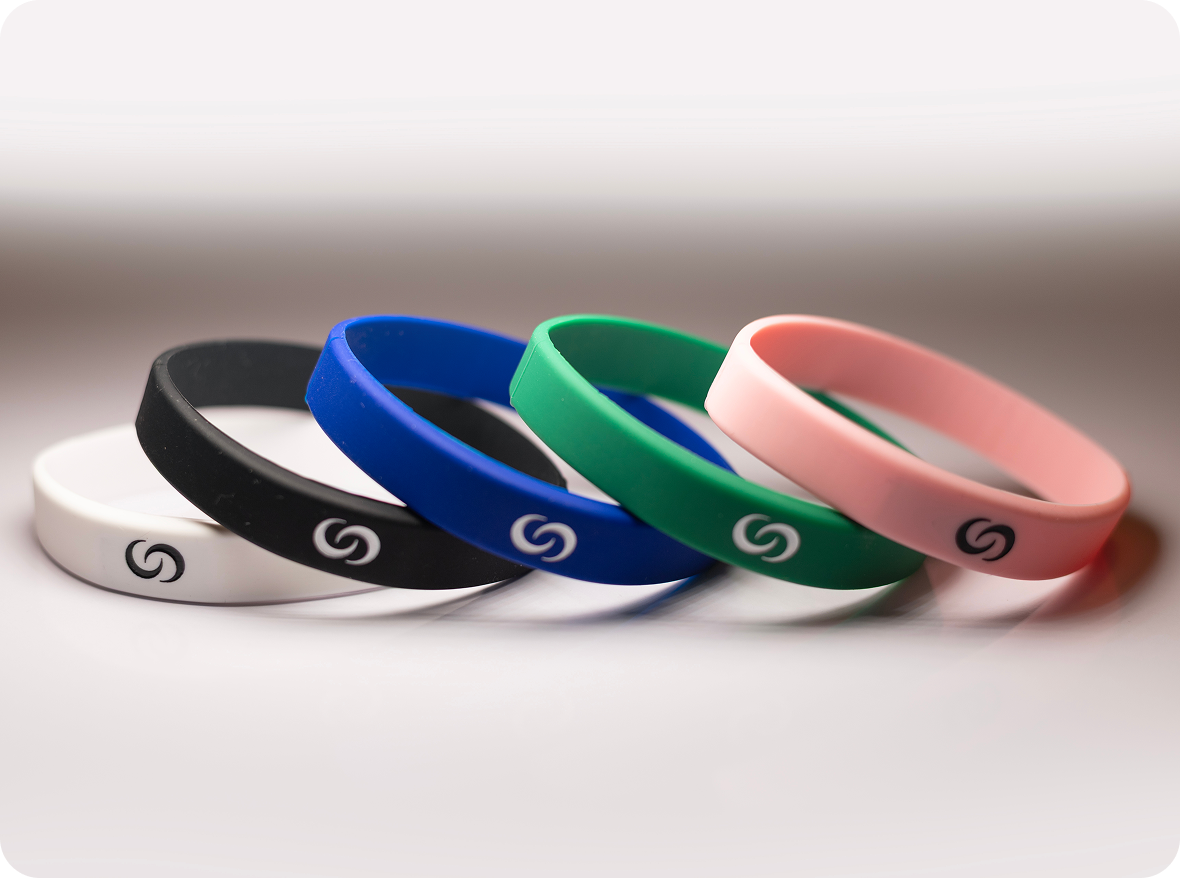
NFC Smart Band - Contactless Digital Band
Experience the future of wearable technology with our NFC Smart Band. Instantly share contact information, social profiles, websites, and digital business cards with a simple tap. Designed for durability, comfort, and everyday use, this sleek smart band combines modern style with powerful NFC functionality.
Instant Information Sharing
Premium Materials
No Battery Required
Water & Scratch Resistant
Secure NFC Technology
Universal Compatibility
Frequently Asked Questions
Your wearable is designed to withstand everyday activities, including workouts and exposure to sweat. While it is water resistant, we do not recommend wearing it while swimming or submerging it in water for extended periods. If your wearable does get wet, allow it to dry completely for 24–48 hours before using it again.
Yes. The Contact Co. app is only required during the initial setup or anytime you want to update your information. Once your wearable has been set up, the app is not required for everyday use.
Anyone you share your information with can simply tap your wearable using their NFC-enabled smartphone, and your profile will open instantly—no app is required on their device.
For iPhone users, tap the Contact Co. logo near the speaker or camera. For Android users, tap the logo in the middle-back of the phone. A notification will guide you to download the app. Complete the registration to set up your profile and ensure NFC is enabled.
After registration, you'll be redirected to the profile screen. Add details such as your profile picture, phone number, city, and job title. You can save or skip this step. Make sure your phone's NFC functionality is on to link your bracelet.
Activate a function by toggling its switch. Tap your device to any phone to share the activated function. The recipient doesn't need the app. Manage your contacts and their cards under the “Connections” tab in the app.
Our Collection
Explore the Collection
Join thousands of professionals using Contact Co. to share their information instantly, stay memorable, and never run out of business cards again.