

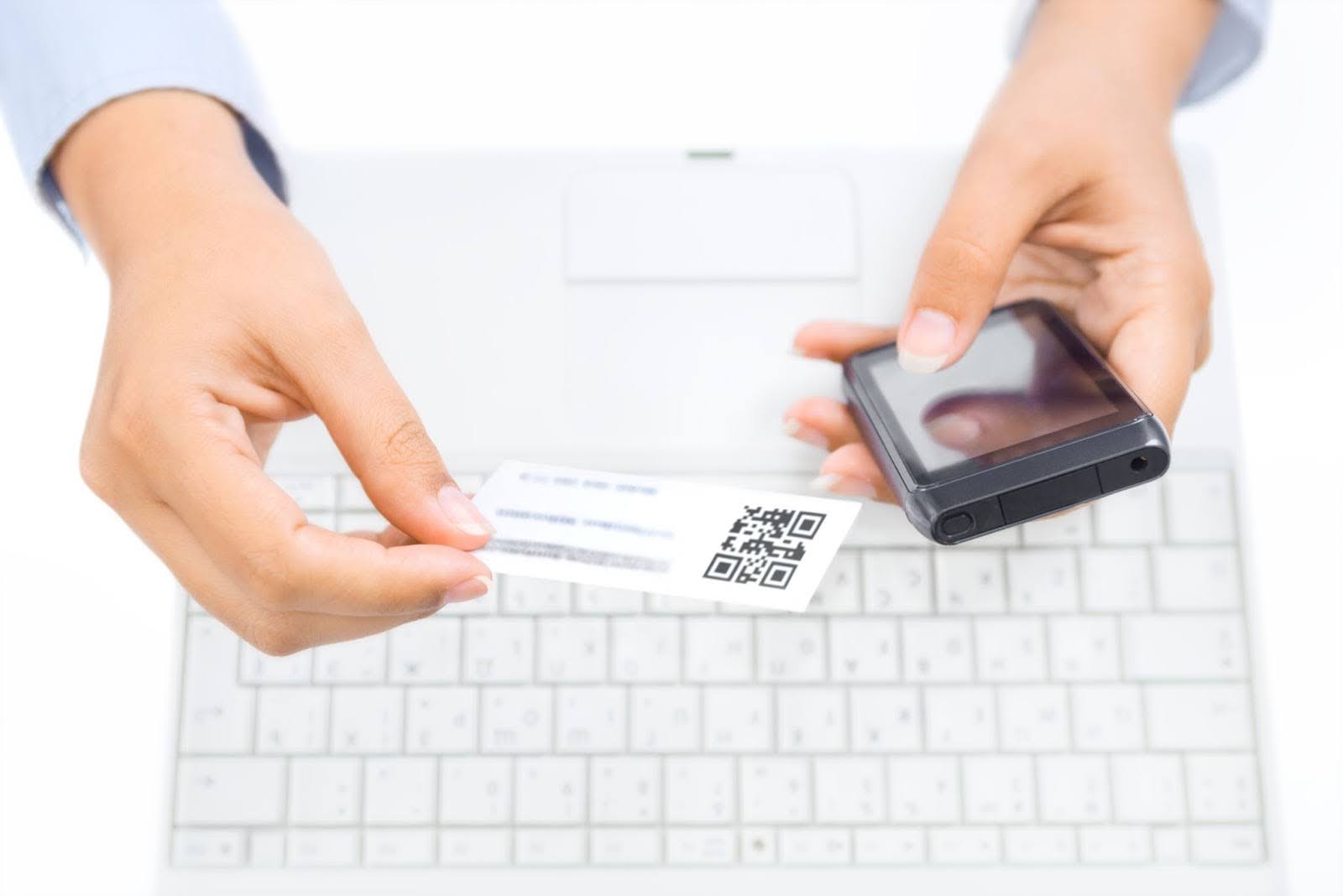
Among 27 million cards printed daily, only 12% of them really make it to the hands of someone who keeps and uses them. Despite this fact, many continue using paper cards but try to modernize them so that they don’t get lost as easily.
To do that, professionals add a QR code in the hopes that clients will scan it and open the link on their browsers. This way, paper cards will bring more value than just having a phone number and address printed on them.
However, is this the right way to go? This article explores pros, cons, security risks, and smarter alternatives that any professional or enterprise can benefit from.
What Do QR Codes Bring to Business Cards?
Quick Response codes, or QR codes, that are added to business cards, are the fastest way to receive any type of information simply by scanning them with a phone. A QR code can lead to:
- A restaurant’s menu
- A CV of a candidate
- A website of a company
- A page with contact details
- And many more!
Why is QR useful? Because it gives instant access to information, whether a lead funnel or multimedia content. But this is not the only benefit QR codes provide.
Every interaction with a QR code can be registered, meaning that if your platform is linked to a tracking platform, a user can measure engagement.
And, most importantly, QR codes take little space on a business card and can be placed and scanned anywhere without a problem.
When a QR Code Might Backfire
As good as QR may sound, they don’t come without any disadvantages. Depending on your process and target audience, QR codes on business cards can be a bad decision, and here’s why:
Outdated links
Printing QR codes on business cards is a permanent decision that can only be fixed by reprinting the whole batch. So, if the link is mistaken or your website has changed, QR codes will lead potential clients to the wrong address, potentially harming your business's credibility.
Not a tech-savvy audience
If your audience is not tech-savvy, they will find QR codes on business cards confusing, to say the least. In most cases, your potential clients might even overlook the QR codes, where you may store the most important information.
Poor design
We’ve mentioned earlier that QR takes little space and can be placed literally anywhere on a business card. However, printing a too small QR code or with low contrast will make it difficult to scan.
QR Code Security - Risks You Should Know
It’s undeniable that QR codes have become a convenient way to access websites, make payments, or even download apps. However, this convenience comes with certain risks.
A growing trend called quishing (QR code phishing) involves scammers placing malicious codes in public places, such as parking machines, posters, or even restaurant menus.
When scanned, these codes can redirect users to fake websites designed to steal personal information or trigger fraudulent payments.
Best Practices If You Use a QR Code on a Business Card
Should you put a QR code on your business card? If your target audience is tech-savvy and there is enough space on your business card, then yes! But make sure to do it right:
Use dynamic codes for flexibility
Static QR codes lock you into a single link. This isn’t a problem if you’re not planning to change the URL. Otherwise, in the long run, you may be misdirecting your clients.
By using a dynamic QR code, you can edit or update the destination even after printing your cards. This is especially useful if you change jobs, update your portfolio, or want to direct people to a new campaign without reprinting.
Maintain the right size for easy scanning
A QR code that’s too small may not scan properly. There is no ideal size to stick to because it will mainly depend on the design of your business card.
Generally, try to aim for at least 2 × 2 cm (about 0.8 × 0.8 inches) to ensure reliability across different devices and scanning apps.
Another thing to keep in mind is the background. We recommend placing your QR code in a clean, uncluttered area of the card to help with accuracy.
Keep it on-brand and visually clear
Incorporating your brand’s colors or logo into the QR design can make it feel more professional and recognizable.
At the same time, don’t forget to maintain a strong contrast between the code and the background. Too much creativity can do more harm than good, and reduce scannability. Balance aesthetics with functionality.
Decide on a compelling destination
Don’t just link to your homepage. Think about what would be most valuable to your audience. It can be your digital portfolio, a personalized landing page, or your LinkedIn profile. The goal is to make the scan worth their time and leave a memorable impression.
Smarter Alternative: NFC Wearables and Cards by Contact Co.

QR codes on business cards are always a good idea for a traditional business card when done right. However, as you can see, they are not as flexible as professionals would like them to be. That’s why many of them have already switched to a modern, NFC-powered solution.
Contact Co. takes networking to a totally different level by offering smart wearables and business cards that provide a seamless and premium experience.
When you switch to a single product with NFC technology, QR codes on business cards will feel like a thing of the past. Here’s why:
No app required for recipients
With Contact Co.’s NFC products, all it takes is a tap. The recipient doesn’t need to download any special app or sign up for anything; the information opens instantly in their browser.
Always up to date
Unlike printed QR codes or static business cards, Contact Co. profiles are fully editable on the backend. If you change your role, update your portfolio, or launch a new campaign, your shared details update automatically without the need to reprint.
Premium look and feel
Whether it’s a sleek NFC card or a stylish wearable, Contact Co. products add a professional, high-end touch that goes beyond the look of a printed QR code. It’s a modern way to stand out and leave a strong impression.
Best used with QR for full flexibility
For maximum accessibility, many professionals pair NFC with a printed QR code. For example, wear your NFC accessory for quick tap-to-share moments and include a QR on your business card for those who prefer scanning. This way, you cover both user preferences with zero friction.
Summary Table: QR vs. Contact Co. NFC Devices
Final Thoughts
If you’ve ever asked yourself, “Should I put a QR code on my business card?” the answer is, it depends.
QR codes have real value, especially if you prefer sticking with traditional business cards and don’t mind handling design, testing, and updates. They can still be a useful bridge between offline and online networking.
But if you’re looking for a future-ready, hassle-free upgrade, Contact Co.’s NFC-powered wearables and cards are the smarter choice. They’re not only more secure and sleek but also modern enough to impress, while still giving you the flexibility to use QR codes within the app when needed.
If you would like to explore Contact Co.’s NFC wearables, check out our bundles and see what solution works best for you.


Share:
How to Design Your Digital Business Card with Contact Co.
Top 5 Digital Business Cards for Investment Bankers